
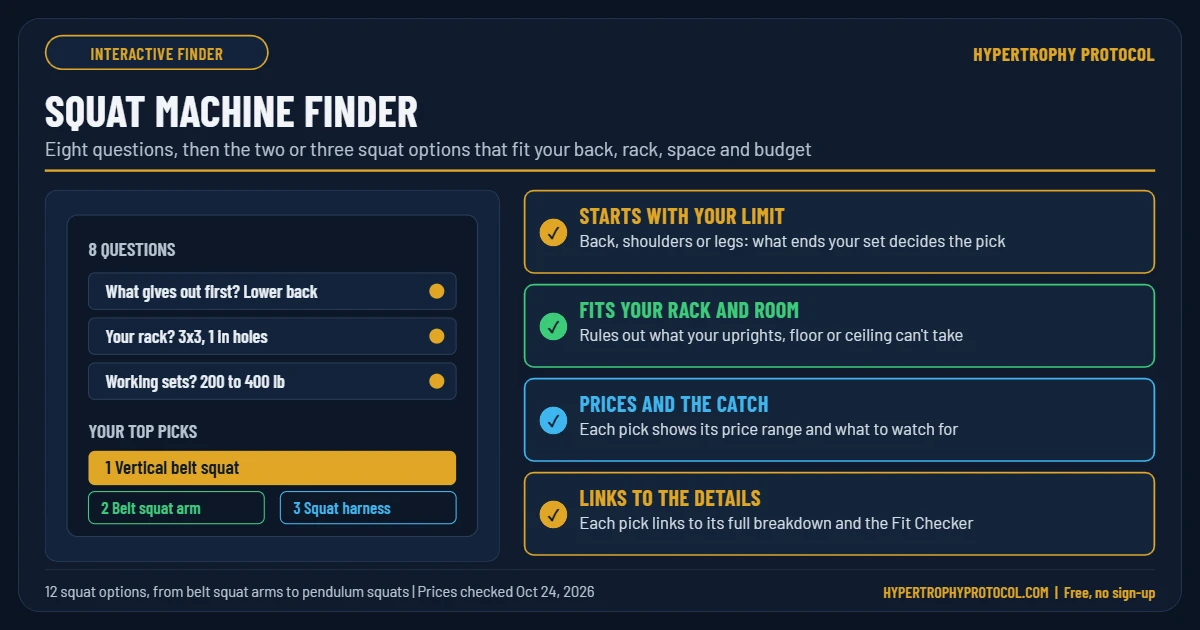
Answer eight quick questions and get the two or three squat options that fit your back, your rack, your space and your budget, with the catch on each one. Nothing to sign up for.
How the finder decides
Every squat machine trains your quads. What changes is where the load sits, what path you move on and where in the rep it’s hardest. The finder starts with what stops your sets now. If your back or bracing gives out first, a machine that loads your hips instead of your spine fixes the real problem. If your legs give out first, the barbell you already own may be enough.
Then it rules out what can’t work: the VOLTRA I when your working sets are above its 230 lb limit on Firmware 2.0 (the finder does not assume access to the optional 250 lb Overdrive beta; other digital cables have their own limits), a hack squat or pendulum when you can’t give one a corner, and rack-mounted gear your uprights can’t take. The rest are ranked on space, extra exercises and cost. A brand-new design with no independent testing loses ties to proven ones.
The reasoning and research behind each machine are in Squat Machines Compared. Before you order a rack-mounted pick, check your rack in the Rack Attachment Fit Checker, and use the Home Gym Room Planner to check the space.